
Can you find a house online just from a photo?
Yes, in many cases. A general visual search tool can tell you what a building looks like and sometimes where it is, but it will not tell you anything about the property itself. An app built for property discovery goes further: PicAHome identifies a home in England and Wales from your camera and brings up the information that matters, including its sold price history and, where available, current listing and planning information.
- Visual search identifies images. Property discovery identifies a specific home and the records attached to it.
- Photos with location data are far easier to place than a screenshot or a forwarded image.
- PicAHome covers England and Wales.
- Sold prices for England and Wales come from HM Land Registry and appear a couple of months after completion.
- Terraced streets are the hardest case for any tool, so always check the address shown before relying on it.
What general visual search can and cannot do
Tools like Google Lens match your image against other images. They work well for landmarks and distinctive buildings, and poorly for ordinary houses, because one 1930s semi looks much like the next.
Even when a visual match lands, what you get back is a picture or a place name. There is no sold price, no indication of whether the house is on the market, and no planning history. You are then back to typing an approximate address into a portal and hoping.
Why the street view route is slow
Dragging along a street on a mapping service does work if you remember roughly where you were, but it takes time, imagery can be several years old, and it still leaves you with only an address. We covered that process in how to find a house you walked past.
How PicAHome is different
PicAHome identifies the property you are pointing at, then assembles what is known about that specific home in one place, rather than returning a matching image.
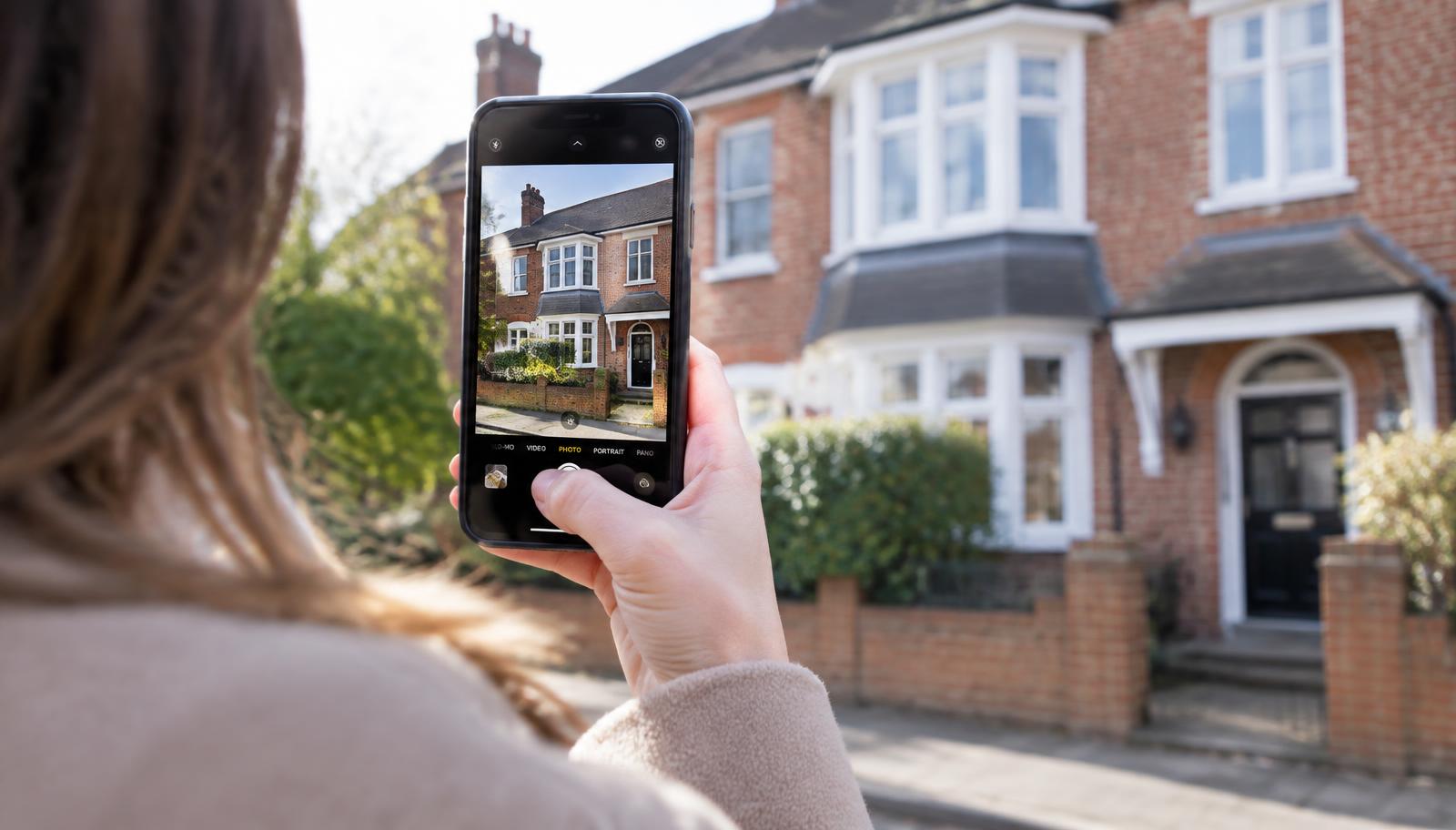
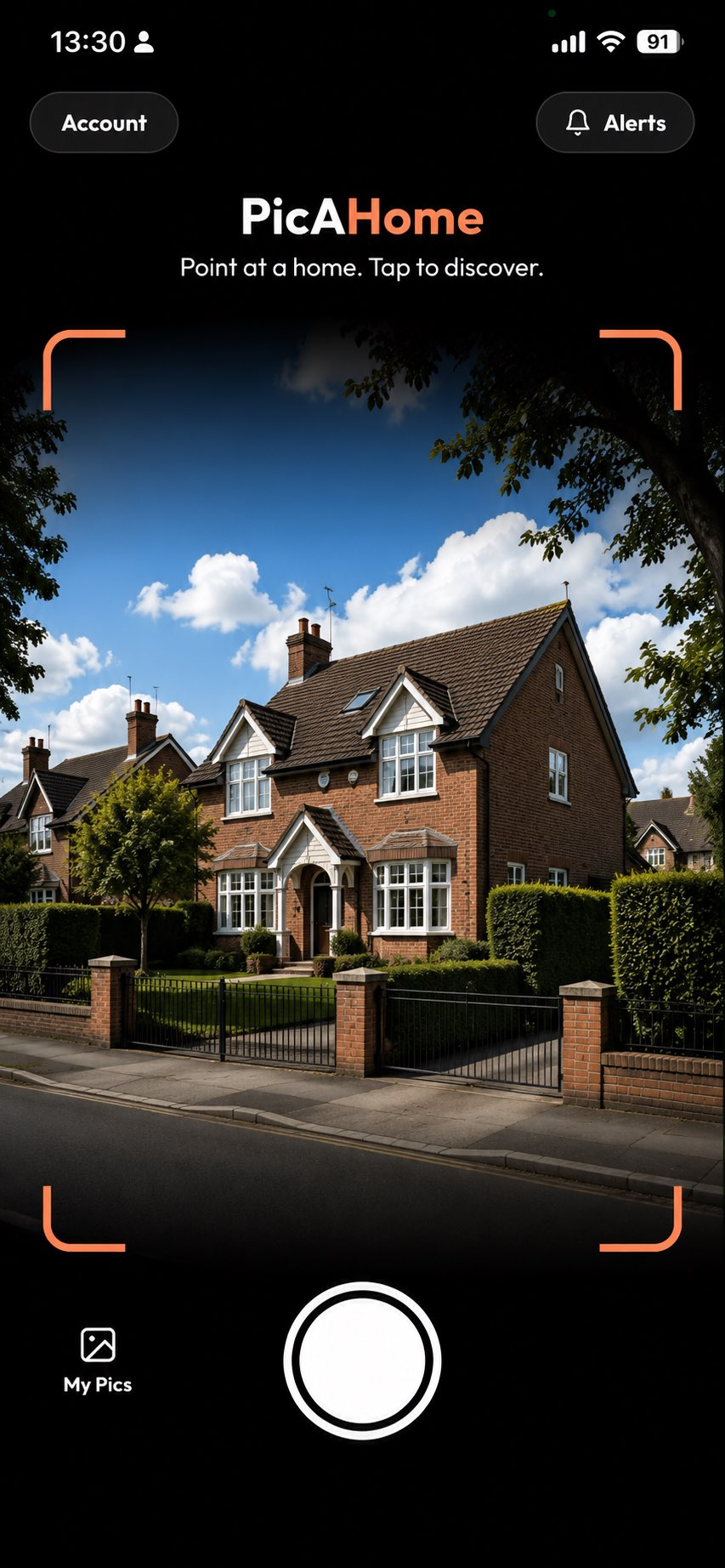
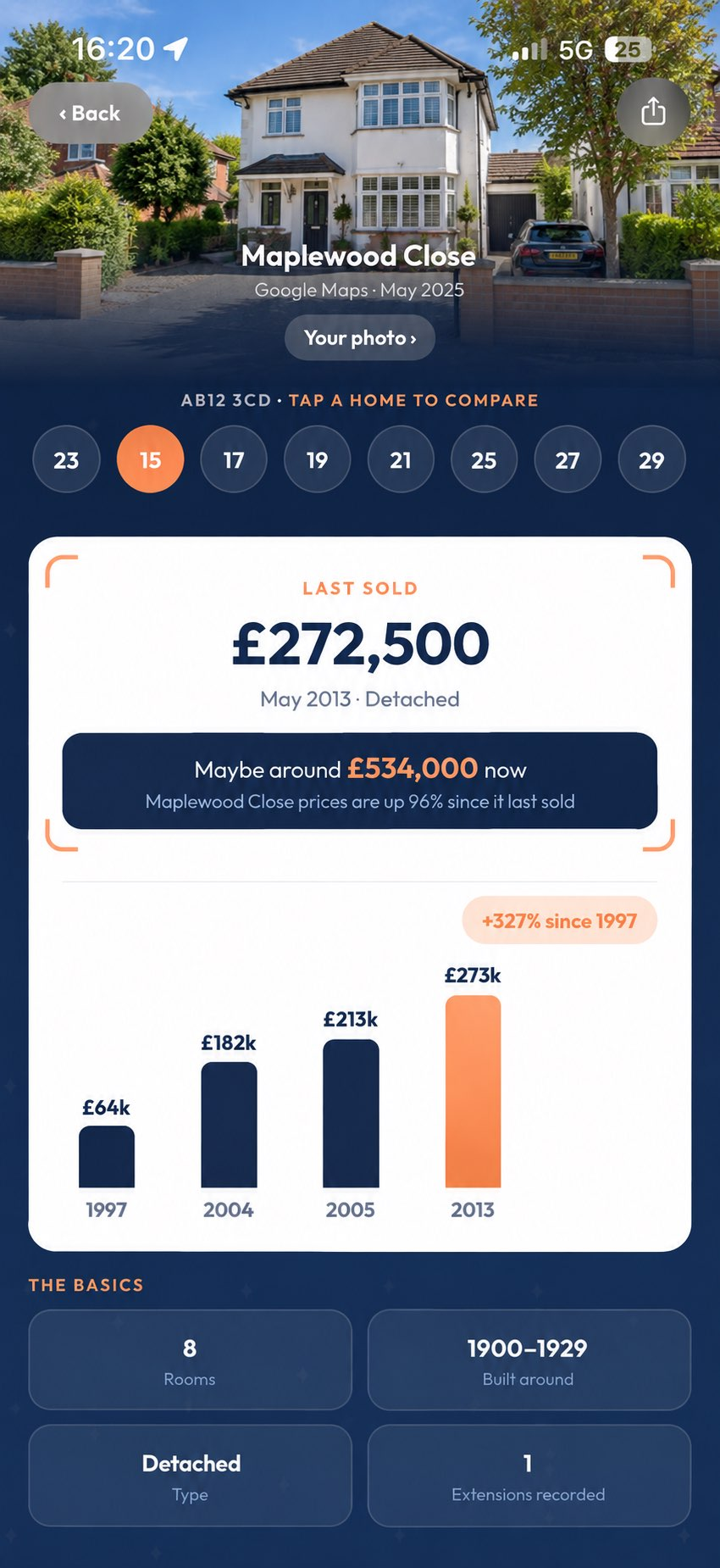
You open the app outside a house, point the camera and take the photo. The app works out which home you were pointing at and shows you a property page. Depending on what exists for that address, that can include:
- Previous sold prices from HM Land Registry, including earlier sales going back years.
- Property details such as type, tenure and EPC information.
- Current listing information, if the home is on the market.
- Planning applications and area information such as council tax band, flood risk and schools.
The difference is not clever recognition for its own sake. It is that standing outside a house is the moment you are curious, and it is also the moment you have the least patience for typing an address you do not know into three different websites.
Where it will not work
PicAHome covers England and Wales, so properties in Scotland and Northern Ireland are not supported. Identifying which home you were pointing at involves judgement and it is not always right, particularly on long terraces or where houses are set back behind trees, so check the address shown before acting on anything under it. Some homes have very little on record: a house that has not changed hands since before 1995 will have no Land Registry sold price at all.
What if I only have a photo, not the house in front of me?
A photo taken on your own phone usually carries the location it was taken at, which narrows things to a street. A screenshot or an image someone sent you generally does not.
If the location is gone, work from what is in the frame: a street name plate, a house number, a pub or shop, an unusual roofline, the bin collection stickers. One recognisable fixed point plus a rough area is usually enough to find the road on a map. Once you have the street, searching the postcode on HM Land Registry Price Paid Data gives you the sold prices for that road.
Can a photo tell me what a house sold for?
Not the photo itself, but once the property has been identified, its sold price history can be looked up. In PicAHome that happens in the same step.
Sold prices for England and Wales come from HM Land Registry and are published a couple of months after a sale completes, so a very recent sale may not show yet. Our guide to finding out how much a house sold for explains how to read the record, and asking price vs sold price explains why the two figures differ.
Frequently asked questions
Can I identify a house from a picture?
Can Google Lens identify a house?
How can I find the address of a house I've seen?
Can I find out how much a house sold for from a photo?
Is there an app that identifies houses?
Can I photograph a house to find out if it's for sale?
Does PicAHome work everywhere in the UK?
Why does a house show no sold price?
Seen a home you're curious about?
Point. Discover. Know.
Download PicAHome and start discovering the properties around you. Free, with unlimited Discoveries on a free account.
Scan to download PicAHome and start discovering.
Keep reading
How to find out if a house is for sale
Portals, agents, boards and off-market sales — how to check whether a particular house is on the market, and what your options are when it isn't.
Read articleHow to research a house before buying it
Eight free checks to run before you make an offer, from sold price history to planning records and flood risk — plus what only a survey and searches can tell you.
Read articleHow to find out more about a house you've walked past
No house number, no postcode, just a home that caught your eye. How to identify it, what you can find out — and how to skip the address hunt entirely.
Read article